How to Search Georgia EPD’s Drinking Water Watch, Step by Step
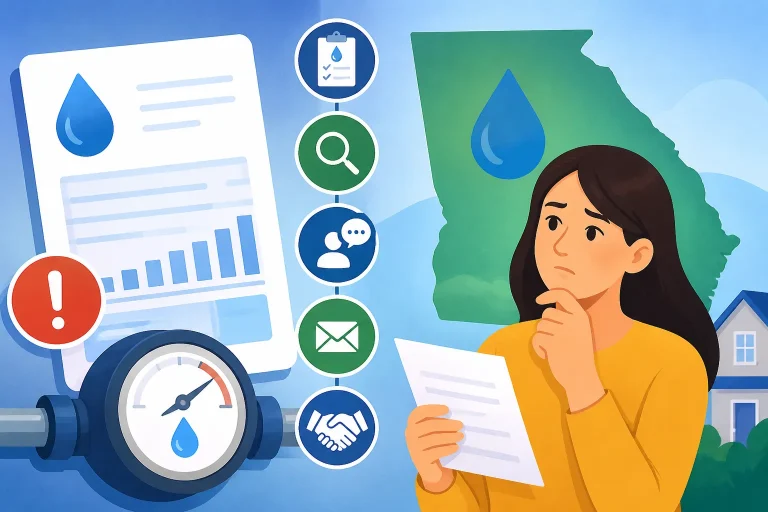
Looking up Georgia water results can be confusing when you are unsure which system serves an address or what a database entry actually says. Drinking Water Watch can help you find public water system information, sampling data, violations, and enforcement actions. The key is to identify the right system first, then read each result with the database’s limits in mind.
Understand what Drinking Water Watch can show
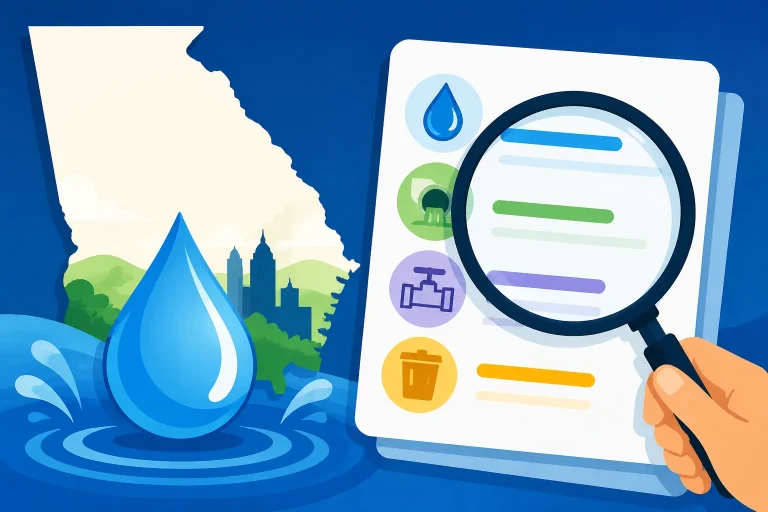
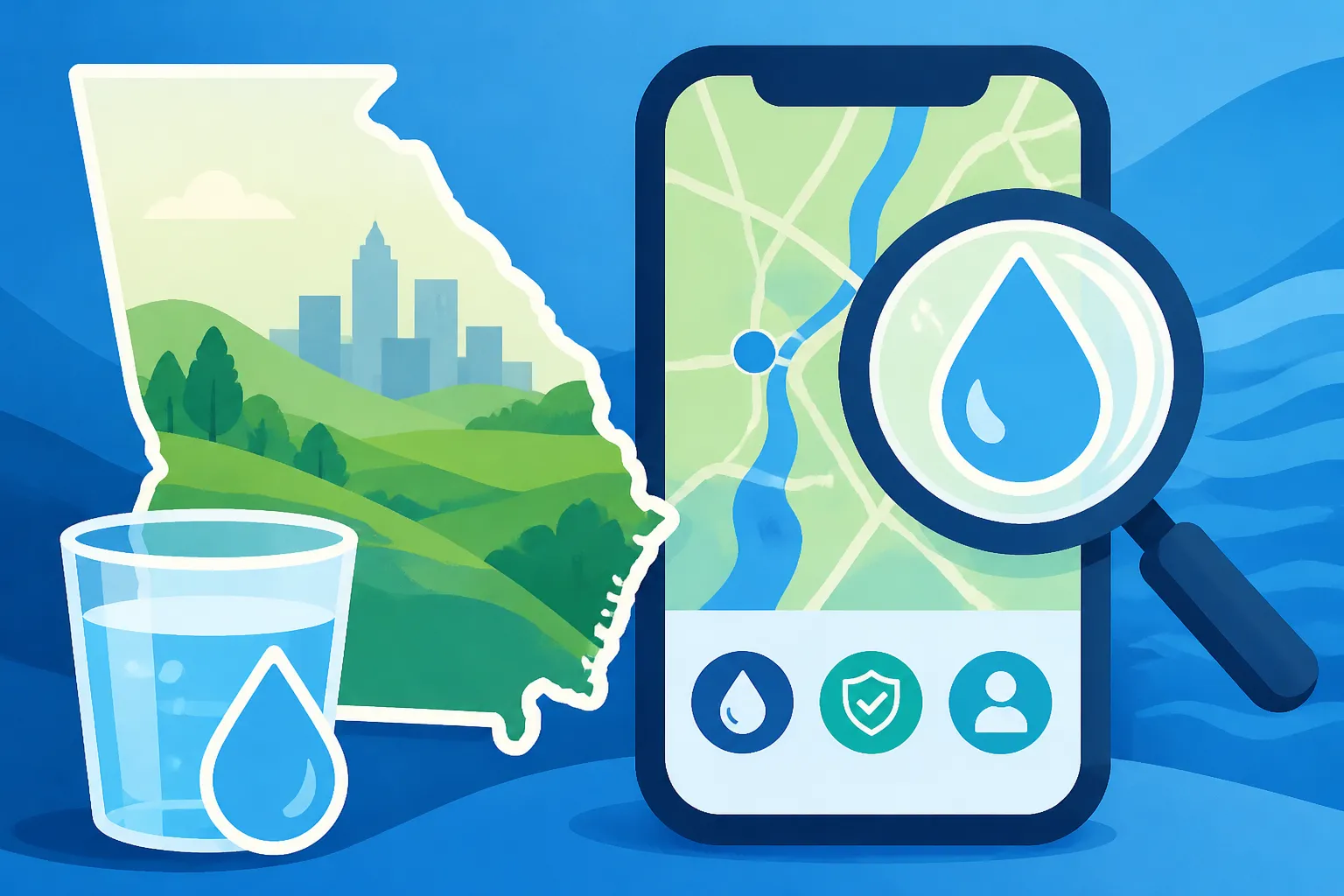
Drinking Water Watch is a public search tool for information about public water systems in Georgia. According to the Georgia Environmental Protection Division, Drinking Water Watch allows state drinking water administrators, laboratories, and the public to access drinking water information.
The Georgia Environmental Protection Division says the public can search for a system’s inventory, sampling schedules, violations and enforcement actions. It also says users can find sampling data reported for public water systems. These records can help you investigate a supplier, follow up on a concern, or locate information to compare with a utility’s consumer confidence report.
The database is useful, but it is not a direct test of the water coming from a particular kitchen faucet. Its records concern public water systems and the information reported for them. They do not automatically tell you what is happening inside a home’s plumbing, whether a specific faucet has a problem, or whether a result applies to a different system serving a nearby address.
What the records can help you investigate
Use Drinking Water Watch to look for information such as:
- The identity and inventory of a public water system.
- Sampling schedules and reported sampling data.
- Violations associated with a public water system.
- Enforcement actions listed for a system.
The records can give you a starting point for understanding what is listed for a system. They may also help you prepare focused questions for the utility or identify a report you want to review alongside other information.
A result in the database still needs context. Sampling information is not the same thing as a guarantee about every tap, and a schedule is not itself a test result. A violation entry also needs to be read as a system record: check what the entry says, what period or requirement it concerns, and whether another record provides an update.
What the database does not settle by itself
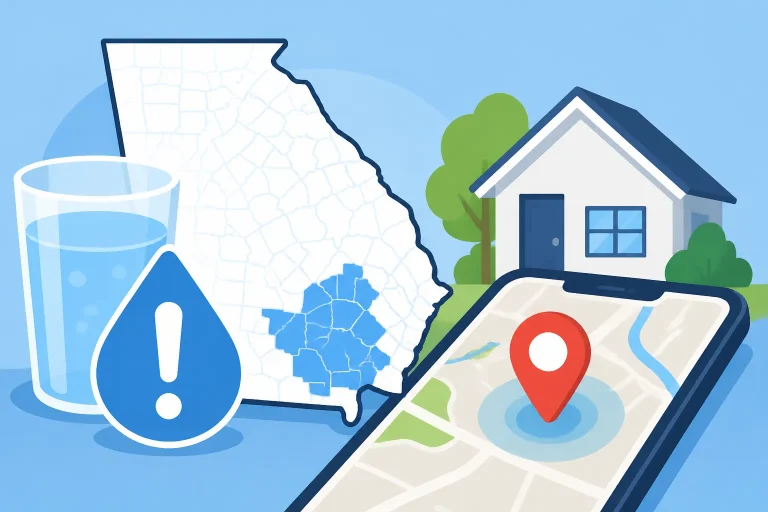
A database search cannot reliably identify the supplier for every home unless you first match the address to the correct public water system. A city’s name and a mailing address may not be enough: service boundaries can differ from city boundaries, and one community may have more than one supplier. If you are not certain who serves a property, start with City Water or a Small Community System? Who Serves a Georgia Address or Just Outside the City Limits: Whose Water Does a Georgia Address Get?.
The database also does not replace an annual consumer confidence report, a utility’s current notices, or an investigation of a household plumbing issue. A consumer confidence report is intended to summarize system-level drinking water information for customers; Drinking Water Watch is a separate way to search records. For help understanding the report itself, see What Georgia Consumer Confidence Reports Contain and When They Come.
If your concern is about a taste, smell, color, or sudden change at home, a database entry may be only one part of the investigation. The source could be a system-wide issue, work on a main, a building’s plumbing, or a problem limited to one fixture. Who Checks Whether Georgia Tap Water Is Safe When It Tastes Off? explains how different parts of that investigation fit together.
Prepare before you search
A successful search begins with the right system name or identifier. Searching a broad place name without confirming the supplier can lead you to the wrong records, especially if a city, county, or water authority has multiple systems or facilities.
Before opening the search tool, collect the information you already have:
- The service address, including the city and county.
- The name shown on a water bill, if available.
- Any system name or identification number printed on a bill or water quality report.
- The report year or sampling period you want to investigate.
- The kind of record you are looking for: inventory, sampling schedule, sampling data, violation, or enforcement action.
A bill can be a useful clue, but the company name or billing name may not be the exact public water system name used in the database. A landlord, property manager, or billing service may handle the account, while another organization operates the water system. If the supplier is unclear, ask the utility or property manager which public water system supplies the address. The official utility website is the place to find current contact details.
Decide what question you want answered
A targeted question makes it easier to select and interpret results. For example, you might want to know:
- Which public water system should I search?
- Does the system record show a particular contaminant’s sampling data?
- Is there a sampling schedule for the issue I am investigating?
- Does the system have a listed violation or enforcement action?
- Is a record relevant to the report period I am reviewing?
These are different questions, and they may lead to different records. A sampling schedule tells you about planned or required sampling information; it does not by itself show the sample result. A sampling data record concerns reported results, but it may not describe a particular home’s water. A violation or enforcement record is not interchangeable with a sampling result.
Keep the date and record type in view
When you compare records, keep track of the period each one covers. A report may cover a particular calendar or reporting period, while a database entry may refer to a different time or requirement. Do not assume that a result displayed near another record comes from the same sampling event or date.
Also note whether a result is a system inventory entry, a sampling schedule, a sampling result, or an enforcement record. The category determines what the entry can answer. If you are looking for an overall account of a system’s water quality, compare your findings with the utility’s consumer confidence report and confirm which year the report covers. Which Year Does a Georgia Water Quality Report Actually Cover? can help with that distinction.
Step by step: find the right public water system
The most important step is matching the address to the correct system. The rest of the search is less useful if you start with the wrong supplier.
-
Start with the service address. Use the address where the water is delivered, not only the mailing city or a nearby landmark. If you are searching for a rental, use the rental’s service address rather than the property manager’s office address.
-
Check a recent water bill or report. Look for the supplier’s name and any system identifier. A bill may use a retail provider’s name, while a water quality report might identify a system or wholesale supplier. Treat both as clues until you confirm how they relate.
-
Ask the utility or property contact to confirm the system. If you cannot tell which entity supplies the address, ask the official utility or property contact for the public water system name and, if available, its identification number. For a rental, the landlord or property manager may be able to direct you to the water provider. Landlord or Utility? Who Georgia Renters Call About Bad Tap Water covers the roles renters may need to distinguish.
-
Search using the confirmed name or identifier. Use the search options shown in Drinking Water Watch. If the tool offers more than one way to search, start with the clearest identifier you have. Avoid assuming that a partial city name will identify the right system.
-
Check the result details before opening records. Confirm that the system name and other identifying information fit the address or utility you are researching. If multiple similar names appear, do not choose one based only on a familiar city or county name.
-
Record the system identity for later comparisons. Keep the system name and identifier with your notes. This makes it easier to compare the database entry with a report or utility notice without accidentally switching to a different system.
-
If the match remains uncertain, pause and verify it. Contact the utility or use official supplier information before drawing conclusions. A nearby system’s record is not a substitute for the record of the system serving your address.
A system may use water from more than one source or treatment facility, and records may be organized at a level that is not obvious from a customer’s bill. If the system name appears correct but the results seem to refer to a particular plant or source, check the utility’s report and ask the utility how the records apply to its service area. One Georgia Utility, Several Plants: Results Listed Separately explains why records associated with one utility may not all describe the same facility or treatment process.
Step by step: search for the record you need
Once you have identified the likely system, use the database’s available search options to narrow your search to the kind of information you need. The precise layout and field names can change, so follow the controls shown on the official Drinking Water Watch page rather than relying on remembered button names.
-
Open the system record that matches your supplier. Recheck the system name and identifier before continuing. If they do not match the confirmed supplier, go back and search again.
-
Choose the record category related to your question. Look for the section or search option for inventory, sampling schedules, sampling data, violations, or enforcement actions. Do not treat these categories as if they were interchangeable.
-
Narrow the search if the tool provides filters. Use the available options to focus on the contaminant, record type, facility, or time period relevant to your question. Only select filters whose meaning you understand; an overly narrow search can hide records that do not match every selected condition.
-
Review the result list before relying on one entry. Compare the system identity, record type, date or period, and any descriptive details. If several results appear, read the relevant entries rather than stopping at the first one.
-
Open or inspect the record details. Look for the information that explains what was sampled, when the record applies, and how the result is described. If the database presents a code or abbreviated term without enough context, do not guess at its meaning.
-
Save the details you will need to verify the result. Note the system name, record category, date or period, and any identifying information shown. This will help the utility locate the same record if you ask a follow-up question.
-
Compare the record with other official information. Check the utility’s report or notice for context, and contact the utility when the application of a record is not clear. Do not infer a current condition from an old entry without checking whether the utility has provided an update.
Searching for sampling information
If you are looking for sampling data, make sure the record actually shows a reported sample result rather than a schedule or a general description of monitoring. According to the Georgia Environmental Protection Division, Drinking Water Watch includes sampling data reported for public water systems.
Read the information shown with the result carefully. The substance being sampled, the collection or reporting period, and the system or facility associated with the entry all matter. A result from one sampling location or facility may not describe every part of a system, and a system-level result does not tell you what a separate household tap would show.
If you are trying to understand an unfamiliar abbreviation or unit, avoid converting or interpreting it from memory. Check the associated utility report or ask the utility to explain the record. For a household concern that requires a test at a specific tap, a system database search is not a substitute for an appropriate tap sample. Does a Georgia Consumer Confidence Report Test Your Own Tap? explains the difference between system-wide reporting and a home sample.
Searching for a sampling schedule
A schedule can help you understand when monitoring is expected or how a system’s sampling obligations are organized. It is not the same as a completed sample, and it does not prove that a particular result is available in the record you are viewing.
If the schedule seems to conflict with a result or report, check that you are comparing the same system, contaminant, facility, and period. If the mismatch remains unclear, ask the utility how the schedule relates to the result and whether additional information is available.
Searching for violations and enforcement actions
A violation entry and an enforcement action answer different questions. A violation record may identify a requirement or condition associated with the system. An enforcement action may describe a response by the regulator. Neither label alone tells you the full history or current status.
Read the detail attached to the entry, including the period, description, and any listed follow-up. Avoid treating the presence of an old entry as proof that the same condition is continuing now, or treating the absence of an entry as proof that a specific home has no water quality concern. If you need to understand whether a record is resolved or what action was taken, confirm that interpretation with the utility or the agency using its current official information.
For broader context, you can compare the record with the system’s consumer confidence report and review Checking a Georgia Utility’s Violations and Enforcement Record. These sources can answer related but not identical questions, so preserve the dates and record types when you compare them.
How to read the results without overinterpreting them
The most useful way to read a result is to ask what it directly says, what system it applies to, and what it cannot establish. A database entry may be accurate for the record shown while still not answering the question you originally had about a particular home.
Separate the record from your interpretation
Start by writing down the entry’s basic facts: the system, the record category, the subject of the record, and the period or date displayed. Then separate those details from your conclusion.
For instance, “a sampling result is listed for this system” is a description of a record. “My kitchen tap has the same result” is a separate conclusion that the database entry may not support. Likewise, “a violation appears in the system record” is not the same as “the violation is unresolved today” unless the record or an official update says so.
When in doubt, describe what you found rather than assigning meaning the entry does not provide. This makes it easier for a utility representative or regulator to address the exact question.
Check whether you have the correct system and time period
A correct result for the wrong system does not answer your question. Confirm the system identifier again, especially when searching in an area where supplier names are similar or service areas overlap. Check that a report and database record cover compatible periods before drawing comparisons.
If your address has a wholesale supplier and a local provider, ask which report or database record is relevant to the water delivered to your home. When a Georgia Utility Buys Water, Whose Report Applies to You? can help you understand why the supplier relationship matters.
Understand the limits of system-level information
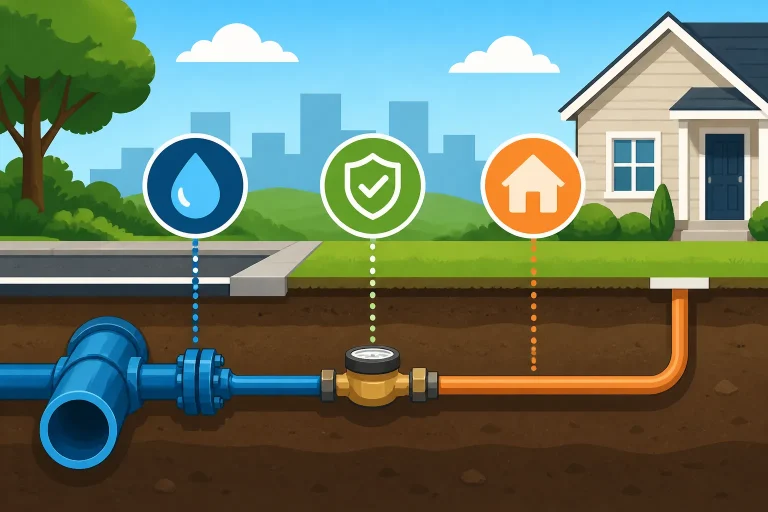
Drinking Water Watch provides information about public water systems. It does not automatically resolve a problem caused by plumbing between the water main and an indoor tap. Building materials, stagnation, fixtures, and plumbing conditions can affect water at a particular location. For more on that distinction, see How Building Plumbing Changes Georgia Water From the Same Utility.
A household tap test may be appropriate when the concern is specifically about the water at that tap. The correct sampling method depends on what you are investigating, so do not use a general database result as a substitute for a test designed to answer a home-specific question. Lead in Georgia Tap Water: Pipes, Notices and Tap Testing explains why system records and a home tap sample can serve different purposes.
Taste and odor complaints also need a separate line of inquiry. Some changes may be related to treatment or seasonal conditions; others may come from plumbing or a localized issue. Taste alone cannot identify the cause. If the concern is a sudden change, report it to the utility and ask whether other customers have reported the same issue. You can also see Odd-Tasting Georgia Tap Water: What Taste Can and Cannot Tell You.
Database timing, missing records, and common search problems
A search result is only as useful as the record available when the database was last refreshed. The Georgia Environmental Protection Division says Drinking Water Watch uses a static copy of the state’s custodial drinking water database, refreshed at the state’s discretion. That means the information shown may not change at the same moment as information in the state’s underlying records.
A result may not reflect the latest update
If you are checking a new notice, recent sampling event, or newly reported issue, do not assume that Drinking Water Watch already shows it. Confirm time-sensitive information with the utility or the agency through its official website. The database is valuable for research, but its static-copy design means a search should not be treated as a live status check.
For an urgent advisory or an active service issue, look for current utility notices rather than relying solely on a database record. If you need help finding notices that apply to your address, see How to Check Whether a Georgia Water Advisory Covers Your Address and Where Georgia Utilities Post Boil-Water Notices and the All-Clear.
No result does not always mean no record exists
A search may fail because the system name was entered differently, the wrong supplier was selected, or the search was narrowed too much. It may also be that the information you want is not shown in the category you selected, or that a record is not available in the copy you are viewing.
If you do not find a result:
- Recheck the system name and identifier against a bill or utility report.
- Try a broader search if the tool allows it.
- Review other relevant record categories.
- Confirm that you selected the correct period or facility.
- Ask the utility whether it has the record or can explain where it appears.
- Check the utility’s report or notices for information that is not easy to locate in the database.
Do not interpret an empty result list as a finding that a system has never sampled, has no violations, or has no current issue. The search result only tells you what appeared under the criteria and records you searched.
Similar system names can send you in the wrong direction
A search can return systems with overlapping place names, similar organization names, or different service areas. Do not choose based only on a name that sounds familiar. Use the system identifier and supplier confirmation to make the match.
This matters when a city has more than one water provider or a community system serves only part of an area. For a practical way to identify a provider before searching, read New Georgia Address? Confirm the Water Supplier Before You Move In.
Keep a record of your search
A few concise notes can make a follow-up much more effective. Save or write down:
- The exact system name and identifier.
- The record type you searched.
- The subject or contaminant shown.
- The date or period associated with the entry.
- Any detail you could not interpret.
- The question you want the utility or agency to answer.
If you later find a different result, these notes will help you see whether the system, record type, or period changed. They also help prevent a common mistake: comparing two results that look similar but refer to different systems or time frames.
Use Drinking Water Watch as one part of a careful check
Drinking Water Watch is most useful when you have a specific question, the correct public water system, and a clear idea of the kind of record you are looking for. Use its inventory, sampling schedules, sampling data, violations, and enforcement information to investigate the system record, then compare what you find with relevant utility reports and current notices.
A practical sequence is:
- Confirm which public water system serves the address.
- Choose the database category that matches your question.
- Check the system identity and period shown in each result.
- Separate the wording of the record from your interpretation of it.
- Verify time-sensitive or unclear details with the utility or agency.
- Use a suitable home sample when your question is specifically about water at a household tap.
If the search suggests a concern, do not jump straight from a database entry to a conclusion about a home or a health effect. Ask the utility what the record means for its service area and whether there is a current notice or follow-up information. For questions about possible health effects, contact the local health department or a medical professional.
The same discipline helps when no concerning result appears. A clean-looking database search may not answer a question about a home’s plumbing, an update not yet reflected in the static copy, or a different system serving the address. Treat the search as a way to find and understand system records—not as a substitute for confirming the supplier, checking current utility information, or testing the specific water you are concerned about.
Frequently Asked Questions
Is Drinking Water Watch an official Georgia water information source?
The Georgia Environmental Protection Division describes Drinking Water Watch as a tool that allows state drinking water administrators, laboratories, and the public to access drinking water information. It provides public water system records, including sampling data reported for public water systems.
Does Drinking Water Watch show the latest information in real time?
No. According to the Georgia Environmental Protection Division, Drinking Water Watch uses a static copy of the state’s custodial drinking water database, refreshed at the state’s discretion. Confirm recent or urgent information with the utility or agency through its official website.
Can I use a database result to determine what is coming from my kitchen faucet?
Not by itself. A system record does not automatically describe the water at a particular home tap. Household plumbing and the sampling location matter, so use an appropriate home sample if you need to investigate a tap-specific concern.
What should I do if I cannot find my water system?
Check a bill or utility report, confirm the supplier with the utility or property contact, and search again using the confirmed system name or identifier. If several similar systems appear, do not select one based only on the city name.
Does a violation entry prove that a system has a current problem?
Not on its own. Read the entry’s description and period, then check for follow-up information or a current update. Ask the utility or agency to clarify the status if the record does not explain it.
Sources
- Georgia Environmental Protection Division — eServices | Environmental Protection Division (checked November 13, 2026)
Disclaimer
This article is for general informational purposes only and does not constitute professional advice. Laws, prices and regulations vary by location and change over time. Consult a qualified professional for guidance on your specific situation. Georgia Water Guide is not a government agency or water utility and is not affiliated with any public water system.